渲染与提交
This process of requesting and serving UI has three steps:
Triggering a render (delivering the guest’s order to the kitchen)
Rendering the component (preparing the order in the kitchen)
Committing to the DOM (placing the order on the table)
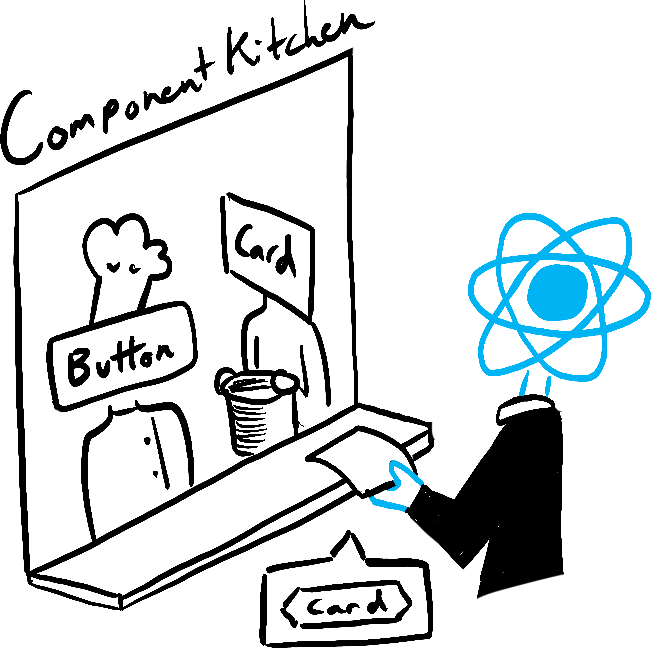
Trigger
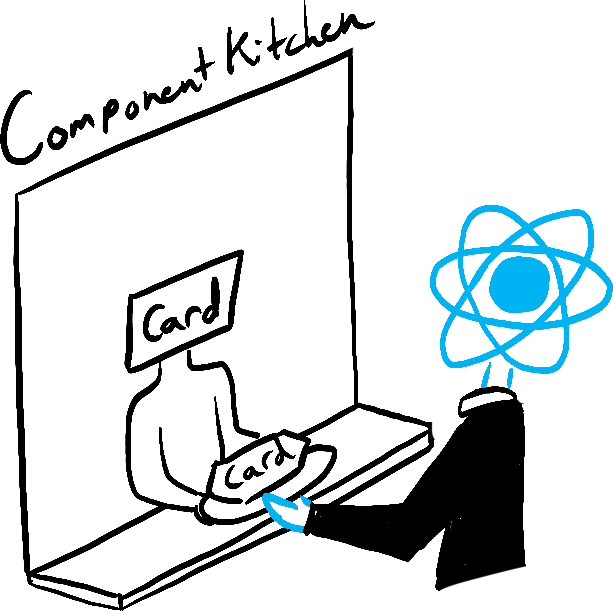
Render

Commit
Step 1: Trigger a render
There are two reasons for a component to render:
- It’s the component’s initial render.
- The component’s (or one of its ancestors’) state has been updated.
Initial render
When your app starts, you need to trigger the initial render. Frameworks and sandboxes sometimes hide this code, but it’s done by calling createRoot with the target DOM node, and then calling its render method with your component:
import Image from './Image.js';
import { createRoot } from 'react-dom/client';

const root = createRoot(document.getElementById('root'))
root.render(<Image />);
Re-renders when state updates
Once the component has been initially rendered, you can trigger further renders by updating its state with the set function. Updating your component’s state automatically queues a render.
Step 2: React renders your components
After you trigger a render, React calls your components to figure out what to display on screen. “Rendering” is React calling your components.
- On initial render, React will call the root component.
- For subsequent renders, React will call the function component whose state update triggered the render.
This process is recursive: if the updated component returns some other component, React will render that component next, and if that component also returns something, it will render that component next, and so on. The process will continue until there are no more nested components and React knows exactly what should be displayed on screen.
- During the initial render, React will create the DOM nodes for
<section>,<h1>, and three<img>tags. - During a re-render, React will calculate which of their properties, if any, have changed since the previous render. It won’t do anything with that information until the next step, the commit phase.
Step 3: React commits changes to the DOM
After rendering (calling) your components, React will modify the DOM.
- For the initial render, React will use the
appendChild()DOM API to put all the DOM nodes it has created on screen. - For re-renders, React will apply the minimal necessary operations (calculated while rendering!) to make the DOM match the latest rendering output.